01
Arrive. Connect. Carry on.
Save your regular places, choose a preferred network for each, and let NetCnnct handle the switch when your location changes.
Known locationsNetwork priorityAuto-connect
NetCnnct brings Wi-Fi control, security, diagnostics, performance, and automation into one calm desktop app.
Also available for macOS and Linux.
This is NetCnnct running its Data Usage workspace—not a concept render. Select a hotspot to take the tour.
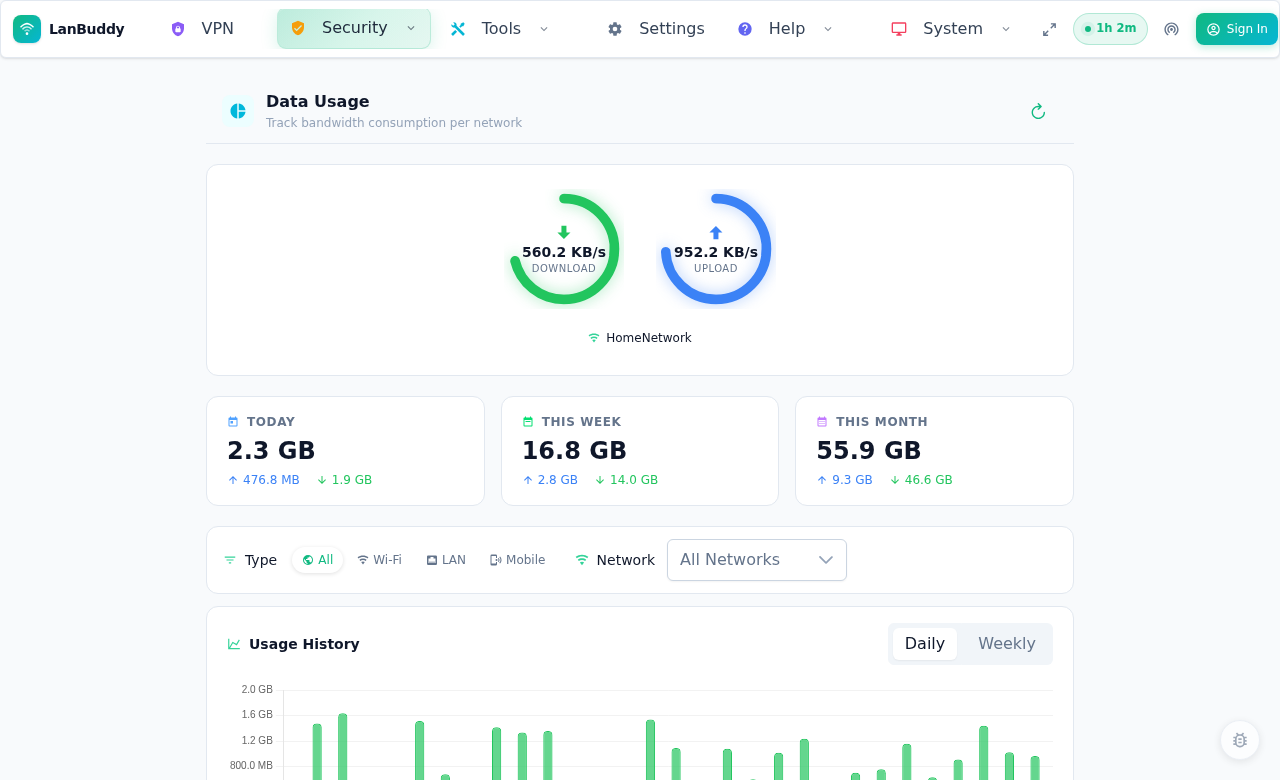
See current download and upload activity for the network you are using.
NetCnnct turns a tangle of system panels, terminal commands, and mystery outages into a clear next action.
Save your regular places, choose a preferred network for each, and let NetCnnct handle the switch when your location changes.
Flag open networks, outdated WEP security, and suspicious evil-twin patterns before sensitive work crosses the wrong connection.
Check the adapter, DHCP, gateway, DNS, internet reachability, latency, jitter, and packet loss—then apply safe fixes from the same flow.
Discover local devices, map channel congestion, compare connection quality, and find a cleaner route through a crowded wireless space.
Use the simple view when everything works. When it does not, the deeper instruments are already there.
Check platform supportPing, jitter, download, upload, and saved comparisons.
Gateway, DNS, internet, and custom target checks.
Create and manage hotspots on supported systems.
Reveal OS-stored Wi-Fi passwords and create a QR code.
Detect and control NordVPN, ProtonVPN, and Mullvad.
Choose which connection and location events reach your desktop.
Switch between saved DHCP or static configurations.
Keep locations, profiles, rules, and preferences in step.
Build rules from time, location, network, VPN, or signal triggers. Combine conditions, set priorities and cooldowns, then keep a record of every run.
NetCnnct speaks to the networking tools already built into your operating system. Support is honest about where those systems differ.
Native netsh integration, hotspot controls, interface management, and the full Wi-Fi toolkit.
Network management through built-in system tools. Programmatic hotspot creation is not available on macOS 12+.
Wi-Fi, profiles, and hotspot support through nmcli, with hidden-network connection support.
Install, connect, and start working. Windows is first-class with hotspot controls; macOS and Linux ship from the same codebase. Release notes
NetCnnct stores its working data locally by default. Cloud sync is optional, and the app keeps using local license information after activation when you are offline.
Clear answers about how NetCnnct works with your computer and your data.
It works with the native networking tools already on your computer—netsh on Windows, networksetup on macOS, and NetworkManager on Linux—then adds a clearer control layer, history, diagnostics, automation, and reporting.
Connection history and configuration are stored locally in SQLite by default. Cloud sync is optional and account-based. Saved Wi-Fi passwords come from your operating system’s credential store and are not part of cloud sync.
Only for system-level actions such as changing an interface, applying an IP profile, creating a hotspot, or running certain repairs. NetCnnct prompts when an action needs elevation.
NetCnnct currently integrates with the command-line tools for NordVPN, ProtonVPN, and Mullvad. Provider commands are configurable so the integration can evolve.
No. Core scanning, monitoring, history, profiles, and diagnostics are cross-platform, while a few operating-system controls differ. Windows has the broadest support; the platform section above calls out the most important differences.
Download for Windows, macOS, or Linux and see the tools NetCnnct puts one click away.
Download NetCnnct